

- Mintlify leads for AI engineering docs with Git-based MDX, automated update drafts, and agent-readable outputs such as llms.txt.
- GitBook suits collaborative product documentation with visual editing, two-way Git sync, and formal change requests.
- ReadMe serves API-first companies with an interactive API Explorer and endpoint-level usage analytics.
- Fern fits teams generating SDKs and API docs together from one API definition.
- Docusaurus gives React teams a free, self-hosted framework with deep customization and built-in document versioning.
- Redocly supports governed API programs with specification linting, scorecards, and reference generation across several API formats.
- Document360 fits enterprise knowledge bases with granular permissions and structured approval workflows.
- MkDocs offers Python teams a lightweight Markdown workflow with fast browser-based search through Material for MkDocs.
- Read the Docs automates hosted, versioned builds for Sphinx, MkDocs, and other Git-backed documentation projects.
- Stoplight supports design-first API work with visual OpenAPI editing, mock servers, and automated specification linting.
Good documentation makes AI perform better
Documentation gives engineers, product managers, and AI systems a shared account of how a product should behave. Model behavior notes define known limits and expected responses. Agent tool specifications define when an agent may call a tool, which arguments it accepts, and what failures it can return. Without those shared definitions, reviewers score the same output against different expectations.
Reproducible evals depend on documented methodology. An eval record should identify the dataset version, scorer criteria, model settings, and prompt or tool configuration. When a score changes after a release, the record shows whether product behavior changed or the evaluation procedure changed.
Current integration guidance prevents avoidable failures. SDK examples, API schemas, authentication steps, and release notes must track the deployed interface. Stale parameter names cause runtime errors, and outdated tool descriptions lead agents to construct invalid calls. Versioned documentation lets users and coding assistants retrieve guidance that matches the release they use.
Machine-readable content also extends documentation beyond its website. Coding assistants and retrieval systems need consistent headings, structured API definitions, stable links, and clean text. Fresh, machine-readable documentation and rigorous evaluation with Braintrust both support trustworthy AI releases. The rankings below therefore weight machine readability, versioning, and AI-assisted maintenance heavily.
What to look for in software documentation tools for AI teams
Docs-as-code workflow. Engineers should edit Markdown or MDX in Git, review changes through pull requests, and publish alongside code releases.
API reference generation. The platform should turn OpenAPI or similar specifications into accurate endpoint pages, code samples, and interactive requests without duplicating source definitions.
Agent and LLM readability. Coding assistants and RAG pipelines need clean Markdown, stable URLs, useful metadata, and machine-readable access through formats such as llms.txt or MCP.
AI-assisted maintenance. Strong AI documentation tools detect relevant code changes, draft updates, flag stale pages, and send proposed edits through human review.
Search and retrieval. Search should understand developer intent and return cited answers across API references, SDK guides, model behavior notes, and agent tool specifications.
Versioning. Each product release needs matching documentation, especially when API schemas, model behavior, or evaluation methods change.
Governance. Permissions, approval rules, audit logs, and authentication should protect sensitive content while preserving a clear publishing path.
Analytics. Documentation analytics should reveal failed searches, neglected pages, and common integration questions.
Customization. You should apply your brand, navigation, and reusable components without maintaining an entire frontend.
Developer experience. Fast previews, link checks, linting, clear build errors, and reliable Git sync reduce the effort to keep documentation current.
How we evaluated these tools
We ranked each tool against the same AI engineering rubric: docs-as-code workflows, API reference generation, machine-readable output, AI-assisted maintenance, search, versioning, governance, analytics, customization, and developer experience. We examined current product documentation, pricing pages, and published feature details.
Machine readability and maintenance carried extra weight because AI product documentation changes quickly and increasingly serves coding assistants, agents, and retrieval systems. We also considered how well each tool supports model behavior notes, evaluation methods, agent tool specifications, SDKs, and release updates. Rankings reflect capability fit for AI engineering workflows, not product popularity or SEO visibility.
The 10 best software documentation tools for AI teams
1. Mintlify
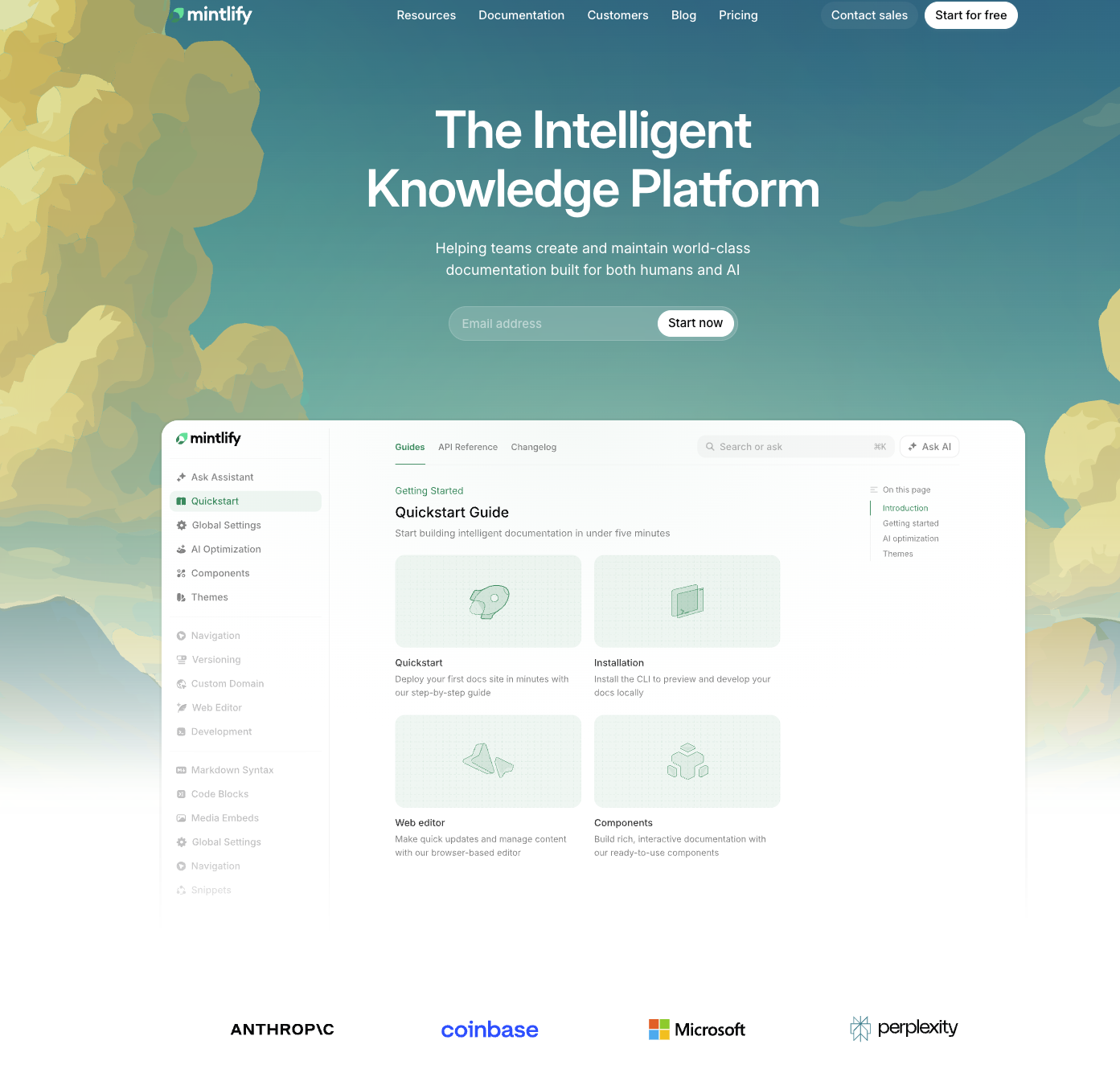
Best for: AI engineering teams that need docs-as-code, AI-assisted authoring, and agent-readable output out of the box.
What it is: Mintlify publishes documentation in formats that AI tools consume directly. Its generated files include llms.txt and llms-full.txt, and skill.md provides task-oriented instructions for agents. MCP server generation offers structured access, and clean Markdown supports retrieval pipelines. These outputs suit model behavior notes, eval methodology, agent tool specifications, SDK references, API documentation, and release changes.
Mintlify keeps documentation close to the code through MDX and bidirectional Git sync. Engineers work through an IDE and pull requests, while product managers or technical writers edit the same content in a visual browser interface. Mintlify's writing agent monitors code changes, drafts updates, and opens pull requests for review.
Mintlify is used by leading AI and developer-tool companies including Anthropic, Cursor, Perplexity, Replit, and us here at Braintrust.
Pros
- Agent-readable publishing. Mintlify generates dedicated Markdown versions of pages, llms.txt, and MCP servers that help coding assistants and agents retrieve documentation.
- Strong Git workflow. Bidirectional sync lets engineers contribute in Git while non-engineering contributors use a WYSIWYG editor on the same repository.
- API documentation support. OpenAPI 3.0 and AsyncAPI imports allow for quick implementation and generate references, code samples, and an interactive API playground.
- Assisted maintenance. Automations draft documentation changes when the underlying code changes.
- Built-in discovery. Semantic search and an AI assistant return cited answers from published documentation.
Cons
- Mintlify has a generous free tier, but it is a managed SaaS offering rather than open source.
- Enterprise controls such as SSO, SCIM, role-based permissions, audit logs, and self-hosting require an Enterprise plan.
Pricing: The Starter plan is free and includes five editor seats. Pro costs $450 per month with unlimited editor seats, the writing agent, automations, and 10,000 monthly AI credits. Enterprise pricing is custom.
2. GitBook
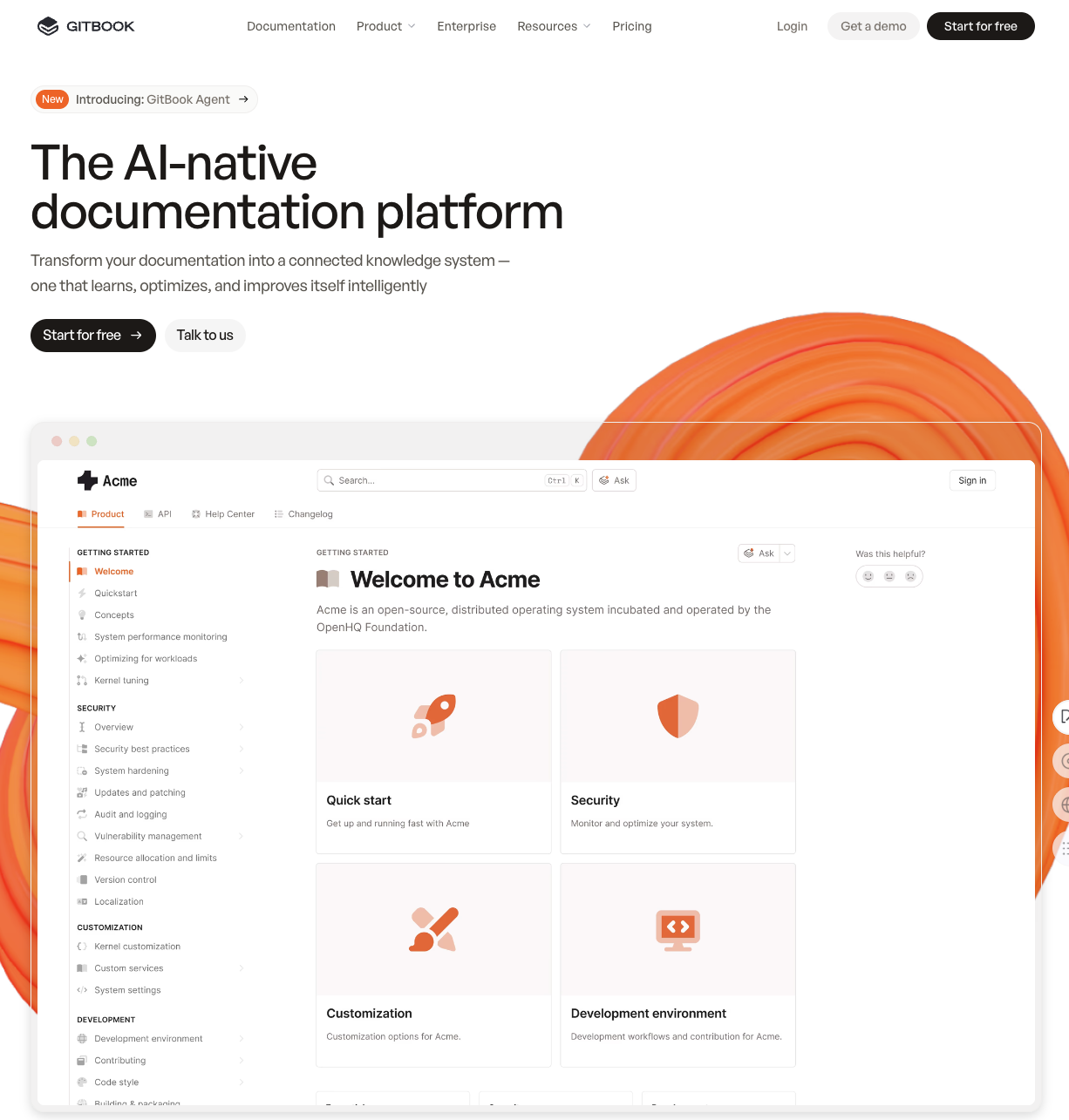
Best for: Teams that blend product documentation with a knowledge base and prefer collaborative editing over strict docs-as-code workflows.
What it is: GitBook centers documentation work on a visual block editor while retaining two-way GitHub and GitLab sync. Writers edit without touching a repository, and engineers review changes through Git. Change Requests add approval rules and publishing controls that resemble pull requests. A Docs Site can combine several Spaces, such as product guides, API documentation, and changelogs, under one destination.
GitBook supports OpenAPI synchronization, llms.txt, and MCP. OpenAPI files generate endpoint pages, parameter tables, and examples, while llms.txt and MCP help AI tools retrieve published content. OpenAPI sync does not detect unrelated product changes, such as renamed interface elements or deprecated features, and the GitBook Agent acts on instructions rather than finding documentation gaps on its own.
Pros
- The visual editor lets product managers and technical writers contribute without managing Markdown files locally.
- Git sync, previews, Change Requests, and merge rules support engineering review workflows.
- Built-in search, reader-facing AI assistance, and AI translation support large documentation collections.
Cons
- The Spaces and Docs Sites structure can confuse new users.
- API generation depends on OpenAPI specifications and does not track broader codebase changes.
- GitBook provides no self-hosted, on-premises, or VPC deployment option.
- Per-site and per-user charges can grow expensive across several products.
Pricing: GitBook offers a free plan for one user. Paid plans break into Premium at $65 per site plus $12 per user each month, and Ultimate at $249 per site plus $12 per user, both billed annually. Enterprise pricing is custom.
3. ReadMe
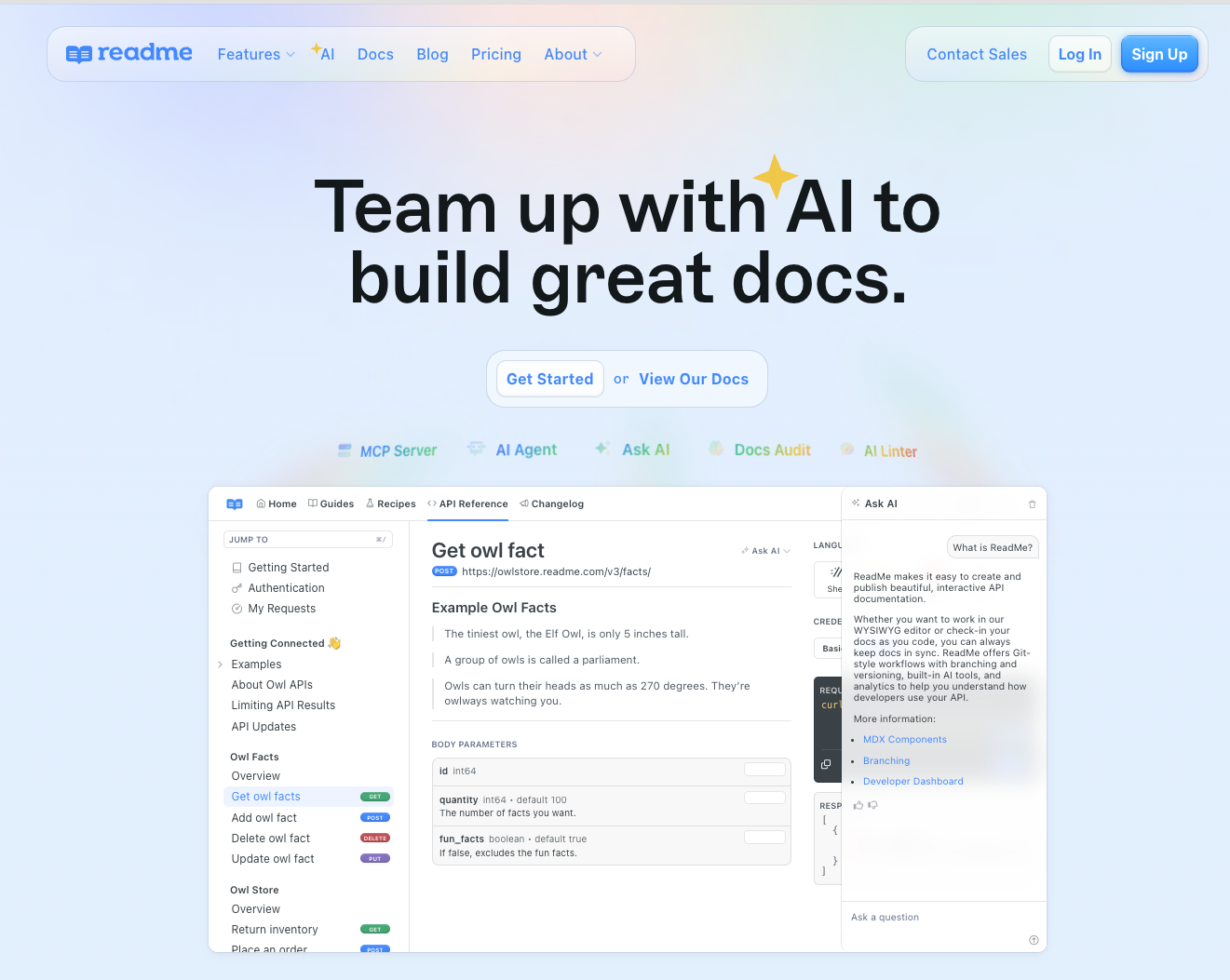
Best for: API-first companies that want interactive reference documentation and detailed analytics on developer usage.
What it is: ReadMe turns an OpenAPI definition into an interactive API Explorer, so developers inspect endpoints and make live requests without leaving the documentation. It supports OpenAPI 3.1 and provides real-time API request history that helps you investigate failed integrations and support requests.
Its analytics show which endpoints developers test and where they abandon an integration. Product and developer-experience owners use those signals to find unclear instructions, prioritize examples, and identify common API errors.
ReadMe supports visual editing alongside Markdown, MDX, and IDE-based workflows. Built-in branching separates drafts from published documentation, and its CLI checks links, slugs, frontmatter, and MDX. AI features draft documentation changes from GitHub pull requests, and ReadMe supports AI search, llms.txt, and MCP connections for agent access.
Pros
- The API Explorer gives developers a practical way to test endpoints within the reference.
- Request analytics connect documentation activity with actual API usage.
- OpenAPI imports, branching, and CLI validation support structured publishing workflows.
- AI search and agent-facing formats improve access for coding assistants.
Cons
- ReadMe focuses on API hubs more than broad documentation for model behavior, evaluation methods, or internal engineering knowledge.
- The free Starter plan is limited to one project, so companies with several APIs need a paid plan.
- Enterprise governance features such as SSO and audit logs require a custom plan.
Pricing: ReadMe offers a free Starter plan limited to one project. Pro costs $250 per month billed annually and adds multiple projects, teammates, branching, private docs, and advanced AI tools. Enterprise pricing is custom and adds multi-project management, SSO, and audit logs. Ask AI ($150 per month), extended history and logs ($100 per month), and extra admin seats ($20 each) are add-ons.
4. Fern
Best for: Teams that want generated SDKs and API documentation tied to one API definition.
What it is: Fern generates client SDKs and hosted documentation from the same API schema. Its generators accept OpenAPI and several other structured formats, and Fern's own definition language can export back to OpenAPI. Fern produces type-safe SDKs in nine languages.
Fern combines generated API references with hand-written Markdown pages stored in Git. The hosted site includes an interactive API explorer, search, dark mode, custom branding, and custom domains. Because the SDKs and reference docs share a source definition, an API change updates both outputs through the same generation workflow.
Fern also produces artifacts for AI-assisted development, including llms.txt files, an MCP server, and a CLI intended for agent use. AI Search answers questions using the published documentation, APIs, and SDKs. Fern now operates as part of Postman, so confirm current packaging before a long-term commitment.
Pros
- Fern keeps SDKs and reference documentation consistent by generating both from one definition.
- The docs-as-code workflow stores Markdown in Git and supports local validation and generation.
- Support for structured API formats suits teams documenting REST, gRPC, WebSocket, or OpenRPC interfaces.
- Machine-readable outputs make published material easier for coding assistants and agents to consume.
Cons
- Fern's API-centered model fits product guides less naturally than platforms built around broad knowledge bases.
- Generated SDKs still require release controls, testing, and review before publication.
- Public materials do not clearly document analytics depth or enterprise governance features.
Pricing: Fern offers a free Hobby plan for individuals, with 2 team members and 250 AI credits. The Team plan costs $150 per month billed yearly and adds 5 team members, 1,000 AI credits, custom subpath, version and product switching, and PDF exports. Enterprise pricing is custom and adds visitor authentication, role-based access control, translated content, and self-hosting.
5. Docusaurus
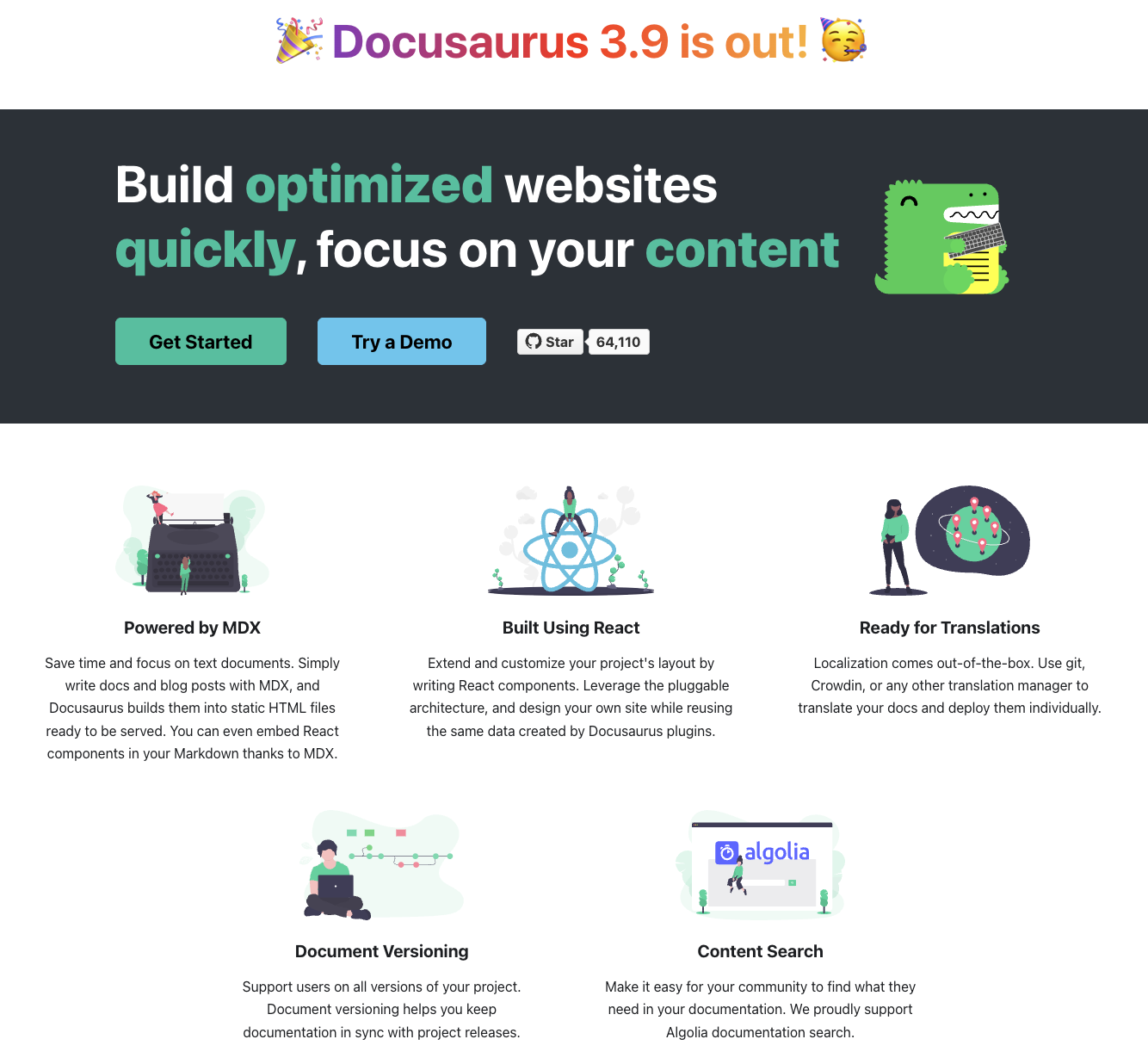
Best for: Engineering teams that want a free, self-hosted, React-based docs-as-code framework with full control.
What it is: Docusaurus is an MIT-licensed static site generator built for documentation. You write content in Markdown or MDX, generate a static site, and deploy it through your preferred host. The self-hosted model removes platform fees and vendor constraints, but your engineers manage builds, upgrades, hosting, and uptime.
React and MDX support extensive customization. You can embed interactive components, diagrams, and code examples for SDK guides or agent tool documentation. Built-in versioning snapshots documentation for older releases, Git provides review history and approval workflows, and the blog structure supports release notes.
Pros
- Docusaurus gives React developers direct control over presentation and site behavior.
- Built-in versioning supports multiple API, SDK, or product releases.
- Static output works with common hosting services and content delivery networks.
- Git-based authoring keeps documentation changes close to code changes.
Cons
- Docusaurus provides no visual editor, AI writing assistant, or automatic detection of stale content.
- Production search usually depends on Algolia DocSearch or a separate local search plugin.
- Deep theme changes require React expertise and can increase upgrade work.
- No first-party OpenAPI generator ships by default, so API-heavy teams should assess third-party plugins.
- Engineers must add any agent-readable formats or retrieval preparation themselves.
Pricing: Docusaurus is free and open source. You pay only for hosting, search infrastructure, and the engineering time to operate and maintain the site.
6. Redocly
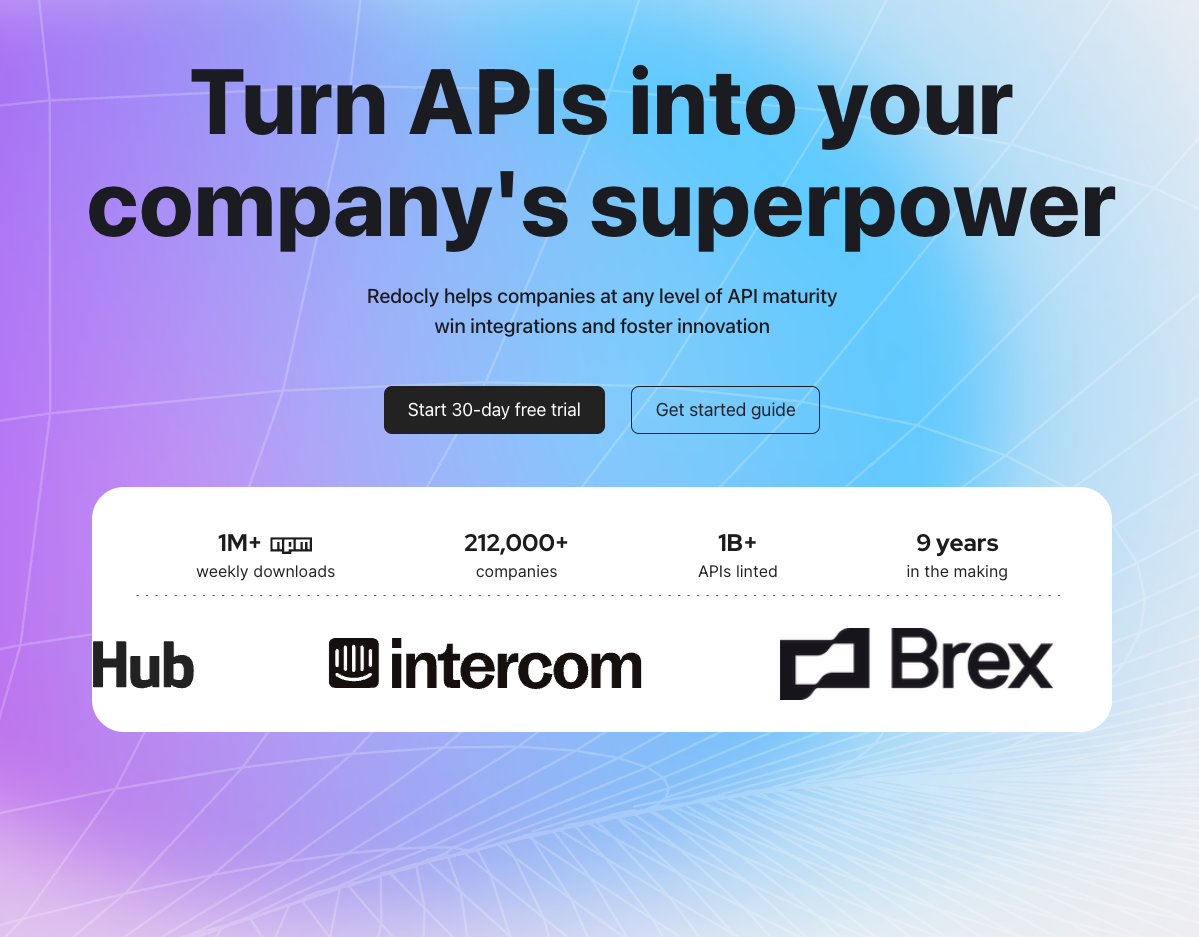
Best for: API-heavy teams that standardize on OpenAPI and need strict governance across multiple API repositories.
What it is: Redocly turns API descriptions into polished reference documentation while enforcing organization-wide design rules. Its open-source Redoc renderer handles complex schemas and generates code samples. Redocly CLI checks API definitions during local development or CI, so invalid changes fail before publication.
The Redocly Realm suite extends that workflow across a larger API program. Reef catalogs APIs and applies governance scorecards, while Reunite supports Git-based editing and review. Engineers write guides in Markdown and publish API changes through automated pipelines. Enterprise plans add AI search and MCP servers for agent access, though Redocly provides limited public detail, so teams building RAG pipelines should test retrieval quality with their own content.
Pros
- Redocly produces detailed API references from OpenAPI definitions and supports mock servers.
- Governance rules and scorecards help platform teams apply consistent API standards.
- Git workflows keep API specifications, guides, and review history close to engineering work.
- Realm supports multi-API catalogs, custom React pages, analytics, and role-based access.
Cons
- Redocly focuses narrowly on APIs rather than broad model notes, evaluation methods, and release documentation.
- AI search, analytics, MCP servers, and advanced access controls require an Enterprise plan.
- Public product materials provide little detail about documentation versioning across releases.
Pricing: Redocly's paid plans start with Realm Pro at $10 per seat per month, including one project with up to 100 pages. Realm Enterprise costs $24 per seat per month and adds 500 pages, SSO, access controls, remote content, search, analytics, and MCP servers. Enterprise+ uses custom annual pricing, and Redocly offers a 30-day trial.
7. Document360
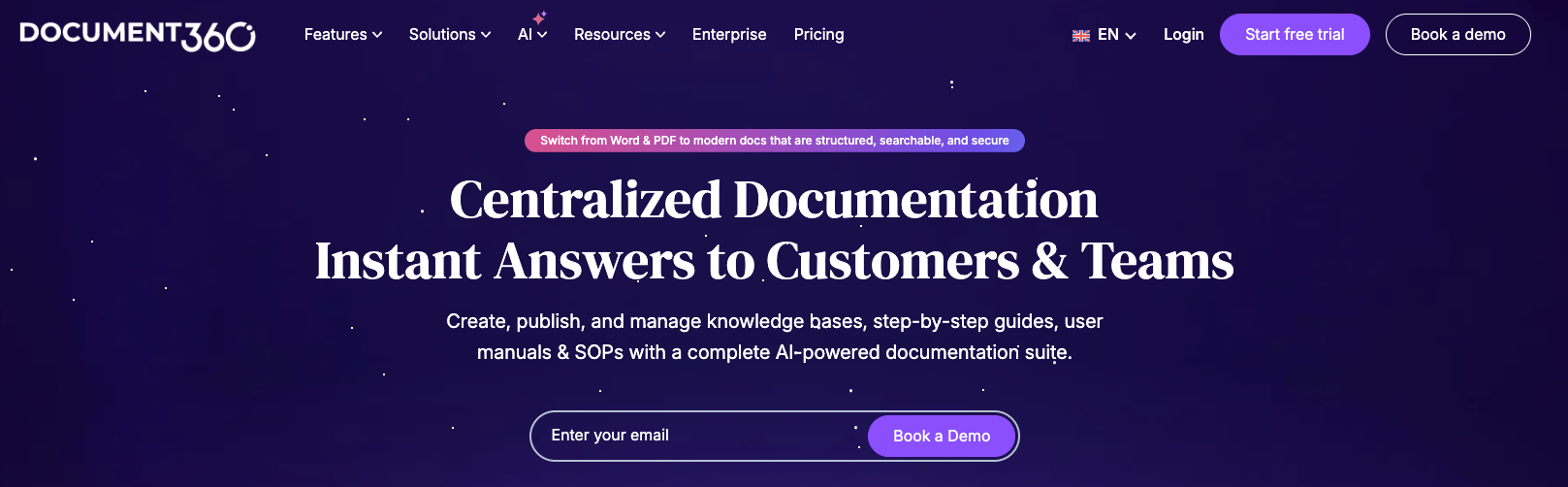
Best for: Enterprises that need a governed knowledge base with granular roles, approval workflows, analytics, and version control.
What it is: Document360 organizes internal and customer-facing documentation through a multi-level category manager. Its administrative controls support structured content ownership, detailed approvals, and version management, which gives operations and support groups more control through a managed interface.
Higher plans add publishing workflows and AI-powered search through Ask Eddy. Enterprise customers also receive SSO, SCIM, IP restrictions, audit trails, sandbox environments, and dedicated hosting options. These controls help larger AI companies govern model policies, integration guidance, and internal evaluation procedures across several departments.
Pros
- Document360 provides strong categorization, permissions, approval workflows, and analytics for large documentation libraries.
- Eddy supports AI-assisted writing, search, article summaries, duplicate detection, and glossary creation, though availability varies by plan.
- Enterprise security features support companies with formal access and audit requirements.
Cons
- Document360 gates advanced capabilities such as approval workflows, AI search, and public API access to higher-priced configurations.
- Independent reviewers report limited real-time collaboration, weaker mobile optimization, migration friction, and a learning curve.
- Public materials do not confirm Git-native authoring, source portability, or OpenAPI reference generation, so docs-as-code buyers should verify those capabilities.
- Eddy uses monthly credits, and search becomes unavailable when an account exhausts its allocation.
Pricing: Document360 uses quote-based pricing. A short questionnaire or sales contact returns a plan priced around your workspaces, languages, team accounts, security needs, and AI usage. A 14-day trial is available, and the public site lists no fixed tiers or prices.
8. MkDocs
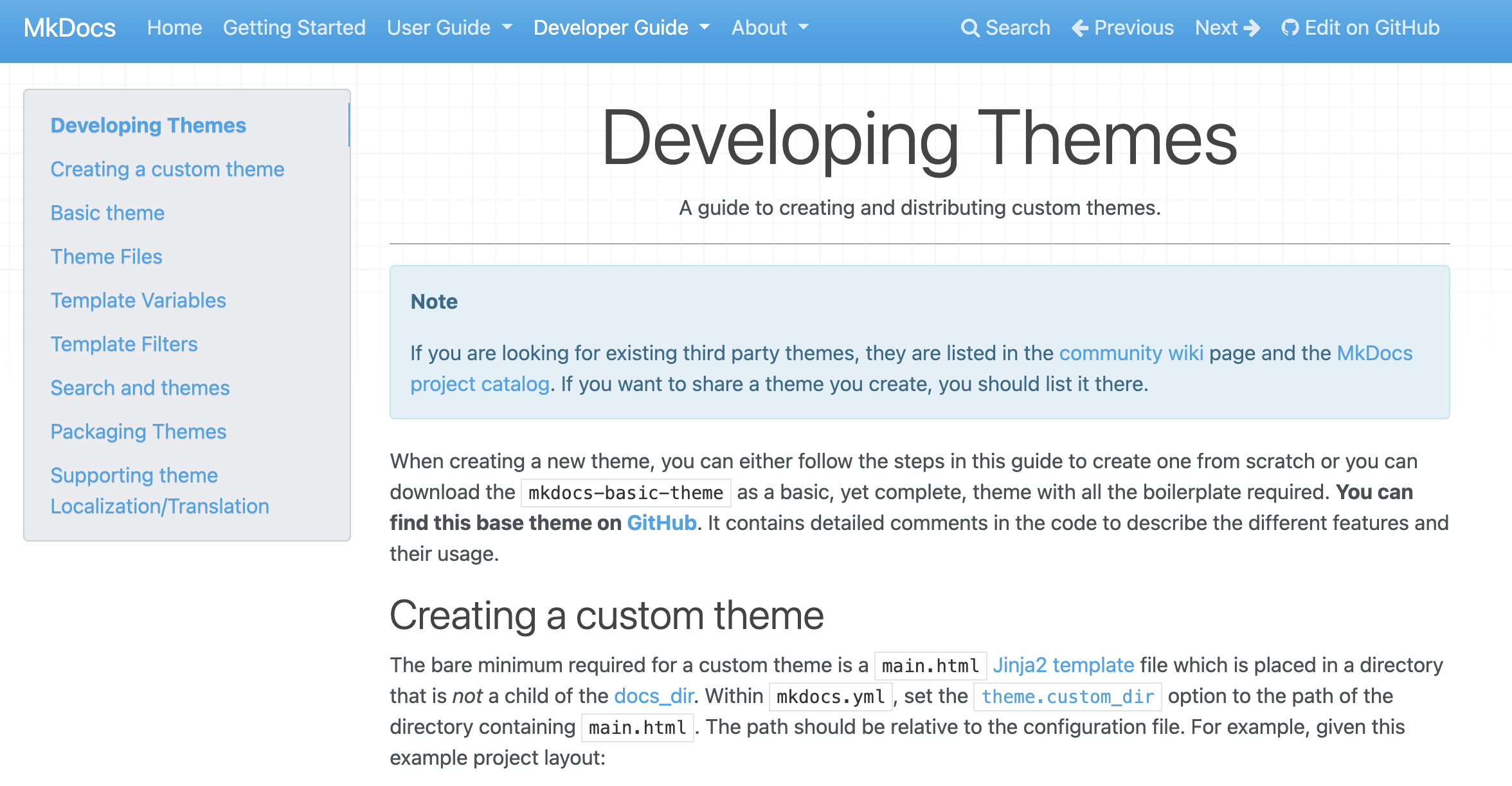
Best for: Lightweight, Python-centric teams that want a simple documentation site built around Markdown.
What it is: MkDocs converts Markdown files into a static website that you store beside application code and review through Git. The popular Material for MkDocs theme adds polished navigation, responsive layouts, and browser-based search without a hosted search service.
The Markdown-first workflow keeps authoring approachable and gives you control over source files and generated output. Plugins and Markdown extensions support richer pages, and configuration files handle branding and navigation. AI engineering teams can use MkDocs for model behavior notes, eval instructions, SDK guides, and release documentation without adopting a managed platform.
Pros
- Markdown and Python configuration create a small learning curve for Python teams.
- Static output runs on most hosting services and stays fully under your control.
- Material for MkDocs provides built-in search, versioning support, and an extensive plugin ecosystem.
Cons
- You manage hosting, builds, upgrades, analytics, and access controls.
- API reference generation and agent-friendly formats usually require plugins or custom build steps.
- MkDocs lacks the collaborative editing and AI-assisted maintenance of managed documentation platforms.
Pricing: MkDocs and the core Material for MkDocs theme are free and open source. You pay for hosting, engineering maintenance, and any optional Material for MkDocs Insiders sponsorship.
9. Read the Docs
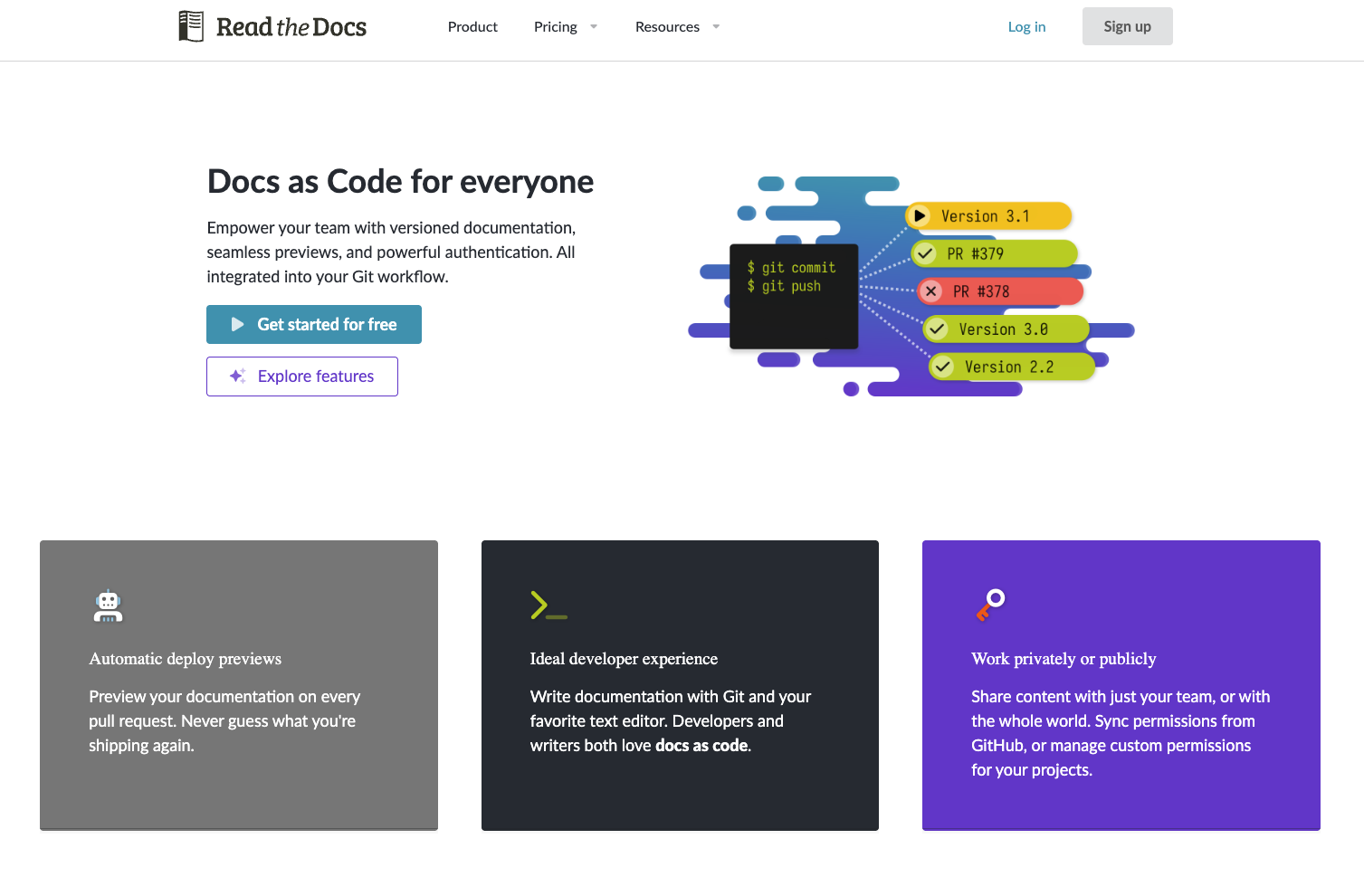
Best for: Open-source projects and library maintainers that need automated, versioned documentation builds for SDKs.
What it is: Read the Docs connects to a Git repository and builds hosted documentation after every commit. Maintainers generate a separate documentation site from each branch or tag, which keeps references available for older SDK and API releases. The platform provides integrated support for Sphinx, MkDocs, and other documentation frameworks. Pull request previews let reviewers inspect rendered changes before merging, and Read the Docs supports llms.txt and Markdown content negotiation for predictable AI retrieval.
Pros
- Every plan includes automatic builds, versioning, search, pull request previews, and CDN hosting.
- Branch-based builds match documentation versions to software releases.
- The Community product gives public open-source projects free hosting.
- Configuration lives in the repository through a
.readthedocs.yamlfile.
Cons
- Read the Docs focuses on building and hosting existing documentation rather than providing a rich collaborative editor.
- Public documentation does not describe native API reference generation or release-note automation.
- Community hosting requires a public repository and displays ads.
- Private repositories, access controls, and SSO require a paid plan.
Pricing: Read the Docs offers free Community hosting for public open-source projects. Business Basic costs $50 per month, Advanced costs $150 per month, and Pro costs $250 per month. Enterprise plans start at $10,000 per year, and custom domains begin with the Advanced plan.
10. Stoplight
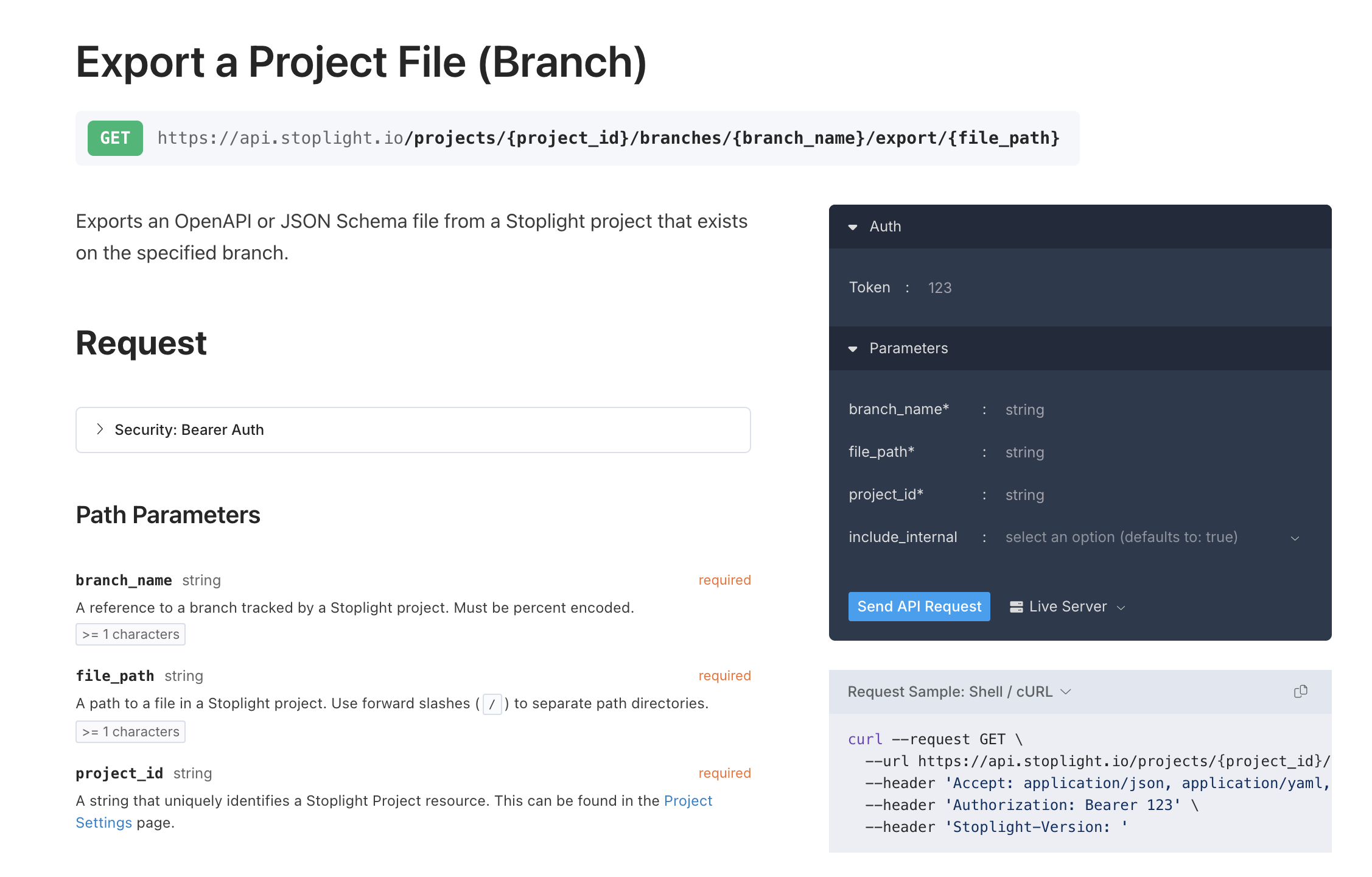
Best for: Teams that want to design APIs collaboratively with visual OpenAPI editing and mocking before publishing documentation.
What it is: Stoplight puts API design at the center of its documentation workflow. Stoplight Studio provides form-based OpenAPI editing, validation, Git integration, and Markdown authoring. Prism generates mock servers from API definitions, so you test requests and responses before the backend exists. Elements turns the same definitions into interactive reference pages with schema details and try-it functionality. Stoplight supports multiple OpenAPI versions, AsyncAPI, and Arazzo specifications through its design and documentation tools.
SmartBear owns Stoplight and has started folding Spectral, Prism, and Elements into its broader API Hub products. Stoplight's site and open-source projects remained active under their existing branding as of 2026. SmartBear has not published a sunset date or complete migration roadmap, so buyers should verify current packaging before committing.
Pros
- Stoplight Studio lets technical and nontechnical contributors edit API definitions through a visual interface.
- Prism supports contract testing and realistic mocks before implementation.
- Spectral enforces API style and governance rules in local development or CI.
- Multi-branch Git support fits review-based API design workflows.
Cons
- Stoplight focuses on API design and reference content rather than broad AI product documentation.
- Machine-readable output depends heavily on the quality of your underlying specifications.
- Product packaging may change as SmartBear consolidates Stoplight components.
Pricing: Stoplight offers a free plan for one user and one project. Paid plans start at Basic for $44 per month billed annually ($56 monthly) with three users, then Startup at $113 per month and Pro Team at $362 per month, each with unlimited projects. Enterprise pricing is custom.
How the 10 tools compare
Mintlify covers the widest range of AI documentation needs in a single managed platform, without separate plugins or self-managed infrastructure.
| Tool | Docs-as-code | API reference | Machine/agent-readable | AI-assisted maintenance | Versioning | Pricing model |
|---|---|---|---|---|---|---|
| Mintlify | ✅ Git and MDX | ✅ OpenAPI and AsyncAPI | ✅ llms.txt, skills, MCP | ✅ Code-aware update agent | ✅ Git-based | Free, paid, enterprise |
| GitBook | ✅ Two-way Git sync | ✅ OpenAPI | ✅ llms.txt and MCP | 🟡 Reactive agent | ✅ Git and change requests | Free, site plus seat fees |
| ReadMe | ✅ CLI and Git workflows | ✅ Interactive OpenAPI | ✅ llms.txt and MCP | ✅ PR-based update drafts | ✅ Branches and releases | Free, annual paid, enterprise |
| Fern | ✅ Git and Markdown | ✅ Multi-spec generation | ✅ llms.txt and MCP | 🟡 AI search | 🟡 Git-based | Free, paid, enterprise |
| Docusaurus | ✅ Markdown and Git | 🟡 Community plugins | 🟡 Manual additions | ❌ None built in | ✅ Release snapshots | Free, self-hosted |
| Redocly | ✅ Git-based editing | ✅ Multiple API formats | 🟡 Enterprise MCP | 🟡 PR reviewer | 🟡 Limited public detail | Seat-based |
| Document360 | ❌ Editor-first | ❌ Unconfirmed | 🟡 AI search | ✅ Writing and upkeep tools | ✅ Article version control | Quote-based |
| MkDocs | ✅ Markdown and Git | 🟡 Plugins required | 🟡 Manual additions | ❌ None built in | 🟡 Extra configuration | Free, self-hosted |
| Read the Docs | ✅ Repository builds | 🟡 Generator-dependent | ✅ llms.txt and Markdown | ❌ None built in | ✅ Branch and tag builds | Free, fixed paid tiers |
| Stoplight | ✅ Multi-branch Git | ✅ OpenAPI and AsyncAPI | 🟡 Limited agent support | ❌ No upkeep agent | 🟡 Branch-based | Free, seat-based, enterprise |
Which tool fits your team, and why Mintlify leads for AI engineering teams
- A fast-moving AI startup should choose Mintlify when code changes frequently and documentation must keep pace through Git-based review.
- An enterprise platform team should choose Redocly when OpenAPI governance and specification linting across many repositories matter more than broad product documentation.
- An API-first developer platform should choose ReadMe or Fern for interactive references and generated SDKs, and Mintlify when agent-readable output carries more weight.
- An open-source SDK maintainer should choose Read the Docs for automated, versioned builds tied to Sphinx or MkDocs.
- An API-design-first team should choose Stoplight when visual specification editing and mocking shape the documentation workflow.
- An enterprise knowledge-base buyer should choose Document360 when granular permissions and structured internal content take priority over docs-as-code.
Mintlify offers the strongest overall fit for AI engineering teams because it treats documentation as a maintained interface for developers and AI agents. Model behavior notes, eval methodology, tool specifications, and integration guidance lose value when they describe an older release. Mintlify's Git workflow and writing agent connect documentation updates to code changes, which reduces the manual work to keep those artifacts current.
Machine-readable publishing also affects how reliably coding assistants and retrieval systems use documentation. Mintlify produces formats such as llms.txt, llms-full.txt, and skill.md, and its MCP support gives agents a structured way to query product knowledge. For AI products, current documentation helps engineers reproduce evals, understand expected agent behavior, and integrate against the correct API version.
Documentation quality and evaluation quality move together as AI teams ship quickly. Start free with Braintrust to evaluate the AI systems your documentation supports.
Frequently asked questions: software documentation tools for AI teams
Should AI engineering teams choose docs-as-code or a hosted platform?
Docs-as-code stores documentation in Git, while hosted platforms provide browser-based editing and managed publishing. Several tools now combine both, so engineers keep code-review controls without excluding non-engineering contributors. Choose based on how much your team relies on Git review versus visual editing.
How can documentation support RAG systems and AI agents?
RAG-ready documentation uses structured content that retrieval systems parse and cite reliably. Formats such as llms.txt, llms-full.txt, and MCP servers give agents predictable access, and clean Markdown reduces custom processing for coding assistants.
How should teams version API documentation across releases?
API documentation versioning preserves guidance for every supported release instead of overwriting older instructions. Tools that generate references from OpenAPI specifications and track changes through Git let users follow instructions that match the API or SDK version they run.
Can AI keep software documentation current automatically?
AI-assisted maintenance compares product changes with existing documentation and proposes relevant updates. Some platforms monitor code changes, draft revisions, and open pull requests for review, which reduces time spent finding stale pages while keeping human approval control.
What documentation should an AI product maintain?
An AI product should document model behavior, evaluation methods, agent tools, and integration contracts, alongside API references and release notes. Shared documentation helps engineers reproduce evaluations and diagnose behavior changes across releases.